
Searching Jackson County Civil Dockets
Civil cases in Jackson County belong to the Jackson County District Court. For an online docket search, most people go straight to MCRO Case Search. Pick Civil as the case category, then select Jackson under Court Locations. The best key is the exact case number. Searching by name also works. Choose Person or Business. Fill in the last, first, and middle-name fields as needed, and add a filing date or case status only when you actually know those details.
Inside MCRO, the Case Details view is the civil register of actions for the case. Document Search is a separate tool. It demands the exact case number. It shows only documents that qualify for public online access. Money judgments can be traced through MCRO Judgment Search. When a case number fails, the public terminal at the courthouse is the backup. A filing that never made it online also points there. Jackson County Court Administration, at (507) 800-7003, can also help. Ask about copies, scheduling, and older records held locally.
- Open MCRO Case Search and choose Civil, then select Jackson County when the venue is known.
- Use the full case number when possible, or search a person or business name with careful spelling.
- Open the matching Case Details result and confirm venue, case type, filed date, party roles, and status.
- Read the newest register-of-actions entry together with the hearings, documents, and judgment information.
- Request a plain, certified, or exemplified copy from Jackson County Court Administration when the remote view is not enough.
A closed tag on a Jackson County civil docket is not the end of the story. Check the disposition line plus any later judgment or satisfaction entries before assuming the case is fully wrapped up.
Jackson County Civil Docket Filters
Jackson County civil dockets run through MCRO. It is one statewide public interface, so there is no separate county civil portal. Pick your search mode first. Name mode covers both Person and Business. Case Number mode wants the exact identifier. Attorney mode helps when you already know the lawyer on the filing. Date Filed takes a single month/day/year date or a range. Choose Case Status from the options the interface actually offers. Guessing it from a partial result leads nowhere.
| Field or control | Use in a Jackson County search | Research note |
|---|---|---|
| Name | Search a person or business | Try spelling variants and omit a middle name if needed |
| Case Number | Open an exact civil record | Best search key when known |
| Date Filed | Limit a result range | Optional exact or range date field |
| Court Location | Focus on Jackson County | Use statewide search if the venue is uncertain |
| Find or Clear | Run or reset the search | Use MCRO breadcrumbs rather than browser Back when instructed |
MCRO Document Search needs the exact case number for a public filing. Inside the register of actions, a View Documents link signals that a document is available under the applicable remote-access rules.
Inside a Jackson County Civil Docket
In MCRO, the same Jackson County civil docket goes by the name Register of Actions, or ROA for short. Think of it as a timeline. The header pins down the case number and the court handling it. From there, blocks of entries cover parties, attorneys, hearings, financial details, and any public judgments. A status label helps you orient quickly. Still, it can't replace the most recent order, judgment, event, or satisfaction entry, so skim the full docket before drawing conclusions about where a case stands.
| Case Header | Case number, title, type, filed date, venue, judicial officer, status, and related-case information where public. |
|---|---|
| Party Roles | Plaintiff or petitioner, defendant or respondent, and attorney associations subject to public-access limits. |
| ROA Events | Filing, service or notice, answer, motion, order, hearing, continuance, settlement, judgment, appeal, and document index activity as applicable. |
| Hearing Details | Date, time, location, officer, hearing type, connection type, and whether the setting is upcoming or previous. |
| Judgment Details | Judgment amount, docketed date, status, balance, and satisfaction information where exposed. |
In the public Jackson County civil docket, an event can point to a document index number. That link is a thread, not an answer. Read the linked entry next to the full case history, since the two only make sense as a pair.
Jackson County Conciliation Court Limits
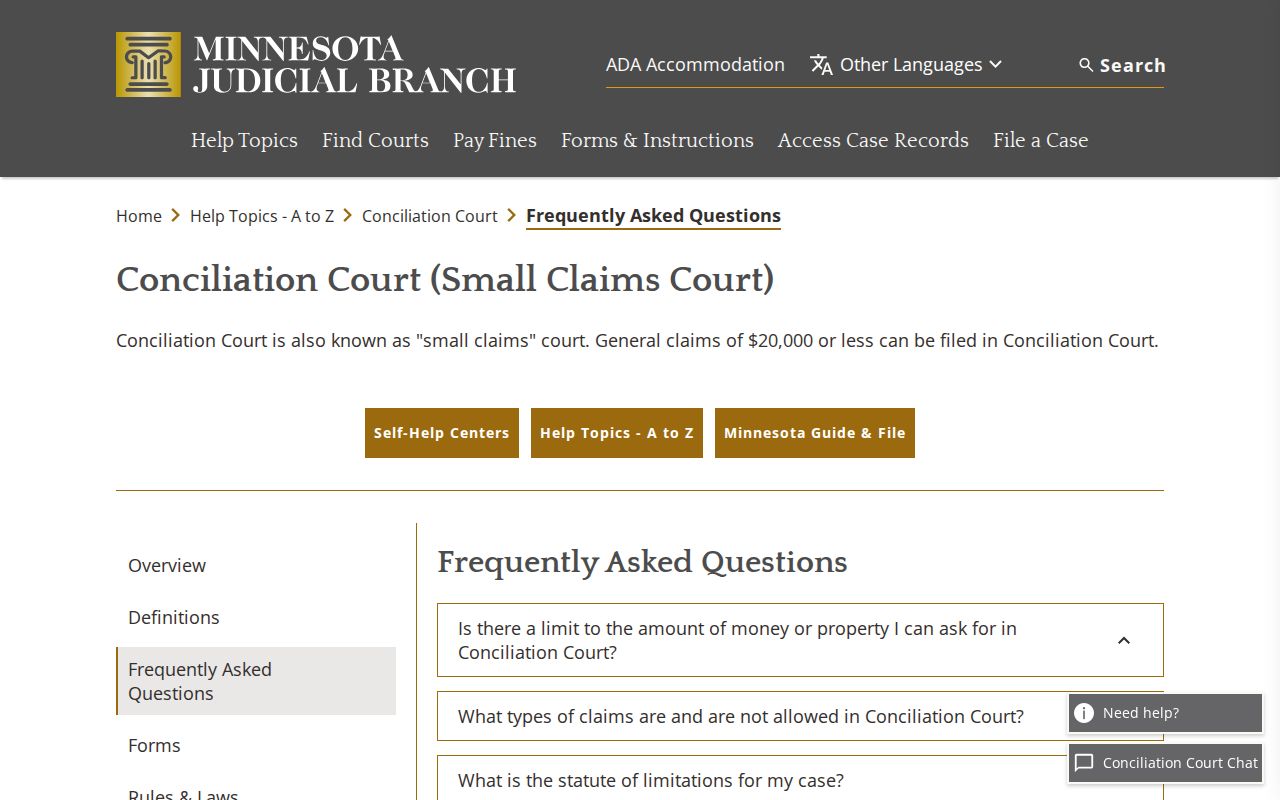
Conciliation Court is Minnesota's small-claims track inside district court. A Jackson County conciliation case therefore sits in the district-court system, not a freestanding county court. The state Conciliation Court FAQ sets the claim limits. There is a general ceiling and a lower one for consumer-credit disputes. Small claims still make real court records. A conciliation judgment stays on file just like any other. So treat the case history, hearing dates, and any appeal activity with the same care you would give any Jackson County civil docket. The same rules about reading entries apply here too.
| Conciliation limit | Amount | Jackson County docket meaning |
|---|---|---|
| General claim | $20,000 | A claim within the stated statewide limit may proceed through Conciliation Court |
| Consumer-credit claim | $4,000 | The separate limit applies to that category under Minnesota guidance |
Minnesota's Conciliation Court FAQ is the source for the statewide claim-limit and process information.
In a Jackson County civil docket, a claim category or hearing label is just a label. Check how the case was resolved and read the later entries before treating it as a final ruling.
Civil Case Types on the Docket
Civil cases sit inside the Jackson County District Court docket, which also handles family, probate, juvenile, criminal, and traffic matters. The civil side covers general civil disputes along with conciliation matters. Some related court categories come with their own access limits, so a docket search may not return everything you hope for. Match the case type and venue shown in MCRO before you trust the result. A shared name alone does not make a record the civil case you wanted.
- General civil complaints, responses, motions, orders, settlements, judgments, and satisfactions.
- Conciliation Court matters that follow Minnesota's small-claims process.
- Family cases, whose remotely available documents are substantially more limited.
- Probate, guardianship, conservatorship, and trust matters with public-document access subject to restrictions.
- Protection-related proceedings, where public party or filing details can be restricted.
Different Jackson County civil case types share one district court but not the same public document coverage. What shows up in a remote case lookup depends on each category and its public-access classification.
Jackson County Civil Hearing Labels
The Jackson Weekly Public Court Calendar has listed civil settings. Examples include Motion Summary Judgment, Default Hearing, Settlement Conference, Hearing, and Order to Show Cause Hearing. A label only tells you what the court scheduled. It is not a ruling. The judge may have granted the motion, entered the default, or approved the settlement. The calendar entry alone cannot prove any of that. Look for the later ROA event. Its public order link shows the actual result.
- Motion Summary Judgment
- A scheduled motion hearing, not an entered judgment by itself.
- Settlement Conference
- A court setting for settlement discussion or case management, not a final disposition.
- Default Hearing
- A hearing label that does not independently establish that default was entered.
- Order to Show Cause Hearing
- A setting listed on the public calendar; consult the case details and order for the procedural context.
Note: A Jackson County calendar label means little on its own. Read it against the full docket history before treating it as an outcome.
Civil Docket Settings and Hearings
Two tools cover Jackson County civil hearings. MCRO Hearing Search is one, and the local weekly calendar PDF is the other. Hearing Search lets you filter by name, case number, judicial officer, attorney, date range, category, and court location. The calendar takes a narrower view. It lists courtroom hearings currently scheduled, not every matter. Assignments for case, judge, or courtroom can shift.
Treat any civil setting as a clue, not a verdict. Open the upcoming-hearing block in Case Details and compare it with the newest register-of-actions event. A Jackson County date, time, or connection type can disagree across sources. Then call Court Administration or trust the court notice or order. The printed calendars in the lobbies and outside the courtrooms carry their own note. They are marked as the most current local calendar.
A continuance or reset may show up as a fresh hearing row, a case event, or both. A row can also vanish from the web PDF. That alone does not confirm the hearing was canceled.
Jackson County Judgment Search Records
When a Jackson County civil case ends in a money judgment, MCRO Judgment Search earns its keep. Search by debtor, date, status, or county. Then compare the result against the full Case Details history. Keep the limits in mind, though. A judgment record is not the whole civil docket. The register of actions may list filings, hearings, orders, and later satisfaction steps that a judgment result never summarizes.
| Source | Best question | What to verify next |
|---|---|---|
| MCRO Judgment Search | Is there a public monetary judgment record? | Case number, status, satisfaction, and the linked case history |
| MCRO Case Details | What procedural events led to the current record? | Latest events, disposition, financial entries, and orders |
| Jackson County Court Administration | Is an official copy needed? | Certified or exemplified copy type and request details |
Need an official copy of a Jackson County judgment? Go through Court Administration. MCRO, by contrast, offers only an unofficial public view of the material.
Civil Docket Access Rules
Who can see what in a Jackson County civil docket? Three authorities govern that. The Minnesota Rules of Public Access to Records of the Judicial Branch set the baseline, and court orders plus related statutes layer on top. Minnesota Statutes §13.90 also takes the judiciary out of the general Chapter 13 government-data framework. MCRO hands the public a wide range of records and documents without any sign-up. Still, remote access falls short for some case types and filings. Family and protected matters are the clearest cases where documents stay off the remote view.
Key Rules:
Minnesota Judicial Branch public-access rules include Rule 4 on classifications, Rule 7 on requests, Rule 8 on registers of actions, and Rule 9 on remote access.
Minn. Stat. §13.90 explains why court-record access is governed by Judicial Branch rules rather than a general county data-request process.
Minn. Stat. §609A.03 addresses expungement, so an unavailable civil-related filing should not be treated as a normal public judgment.
Jackson County Civil Copy Requests
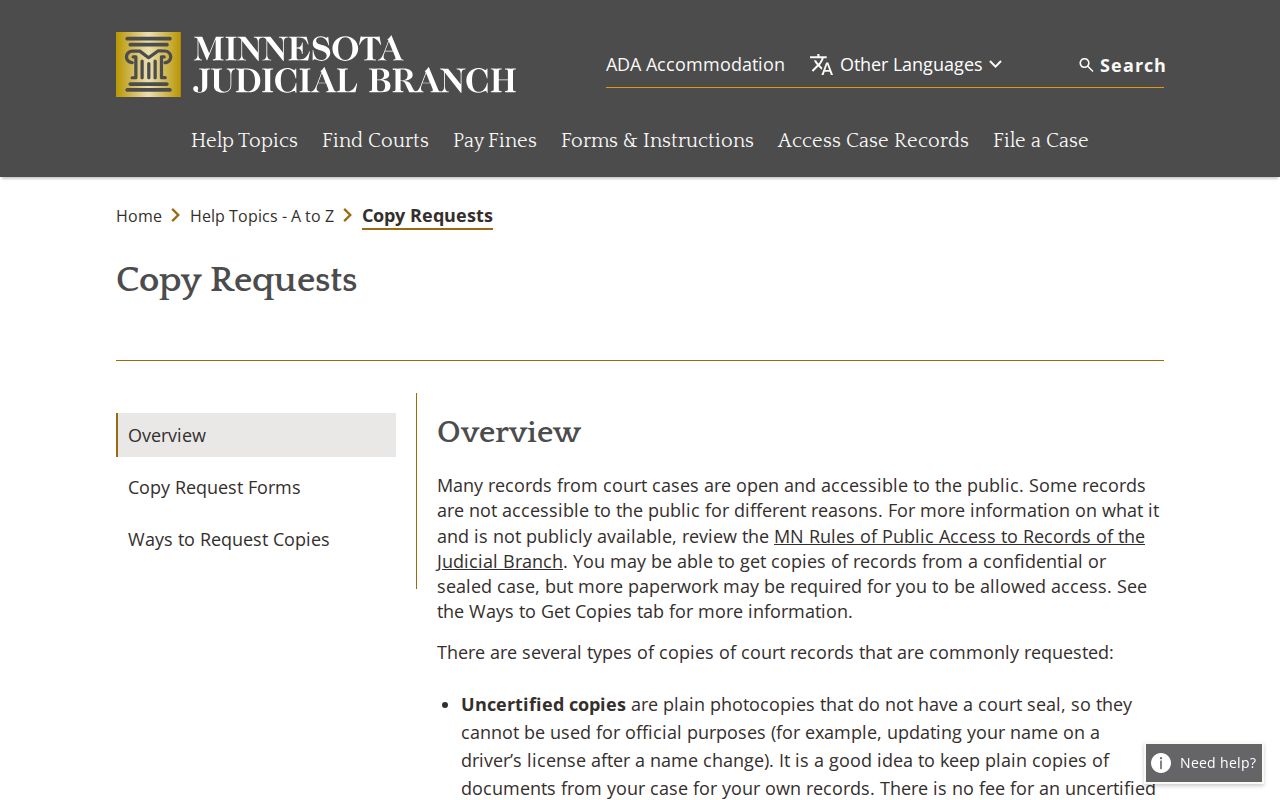
Need a copy of something in a Jackson County civil docket? Gather a few details first. The request should list the court file number and the document's name or description. Add its date, the document index number, how many copies you want, the copy type, and your delivery choice. Plain copies come without a court seal. Anything certified or exemplified goes through Jackson County Court Administration instead. Fees come straight from the Jackson district-court fee table. That means $14 for a certified document and $14 for an exemplified copy. Pay $28 when you need both together.
For the statewide picture, Minnesota's court copy-request instructions lay out the request process. They also explain each copy type in detail.
You can request copies by mail, in person, or through available eFiling routes. One caution applies to older files. Aged Jackson County civil records may sit off-site, so they are not always ready the same day, and the more exact docket information you include, the better. Note: A document image visible in MCRO is not a certified Jackson County court copy.