
How to Search Cases by Name
For a public Jackson County name search, go to Minnesota Court Records Online Case Search. That tool is MCRO. Pick Name at the top. Choose Person or Business. Type the last name first. Add a first name, middle name, filing-date range, or case category only when you actually know it. Narrow the statewide results by selecting a county court location and choosing Jackson. One caution: a matching name is not the same as the right person. Compare the title, venue, case type, and filed date before you open Case Details.
- Open MCRO Case Search and select the Name search mode.
- Choose Person or Business, then enter the known name fields.
- Select Jackson under Court Locations when the case is expected in Jackson County.
- Use a known date, category, or status to reduce a broad result set.
- Open Case Details and confirm the case number before reading the register of actions.
| Field label | Type | Required | Jackson County use |
|---|---|---|---|
| Last Name | Text | Depends on mode | Use exact spelling when possible. |
| First or Middle Name | Text | Optional | Try without a middle name if the first query is empty. |
| Sounds Like | Checkbox | Optional | Do not combine with a wildcard search. |
| Date Filed | Date control | Optional | Use exact date or range in MM/DD/YYYY format. |
| Case Category | Checkboxes | Optional | Civil, Criminal, Family, Probate, or Mental Health. |
Long result lists call for one practical move. Copy the case number from the row that looks right before you touch any filters. Re-running a broad query can shuffle the list. It can also bury the detail that told two similar public names apart. Use the Jackson County location, category, and filed date to narrow. Do that only when you know them. A guess can hide the very case you want. Note: Save the exact case number from the best result first. A second broad query can reorder similar public names.
Jackson County Case Search Modes
MCRO splits a Jackson County case search into four tools. Case Search returns the register of actions. That record traces the full history of a case. Hearing Search fits an upcoming setting better. It filters hearings by name, case number, judicial officer, or attorney. Document Search demands the exact case number. It shows public online documents only. Judgment Search covers monetary judgments and satisfactions rather than the whole docket. Any result is unofficial. Read it beside the related Case Details record before relying on it.
The MCRO Document Search page shows the exact-case-number route. It covers public filings on the official site.
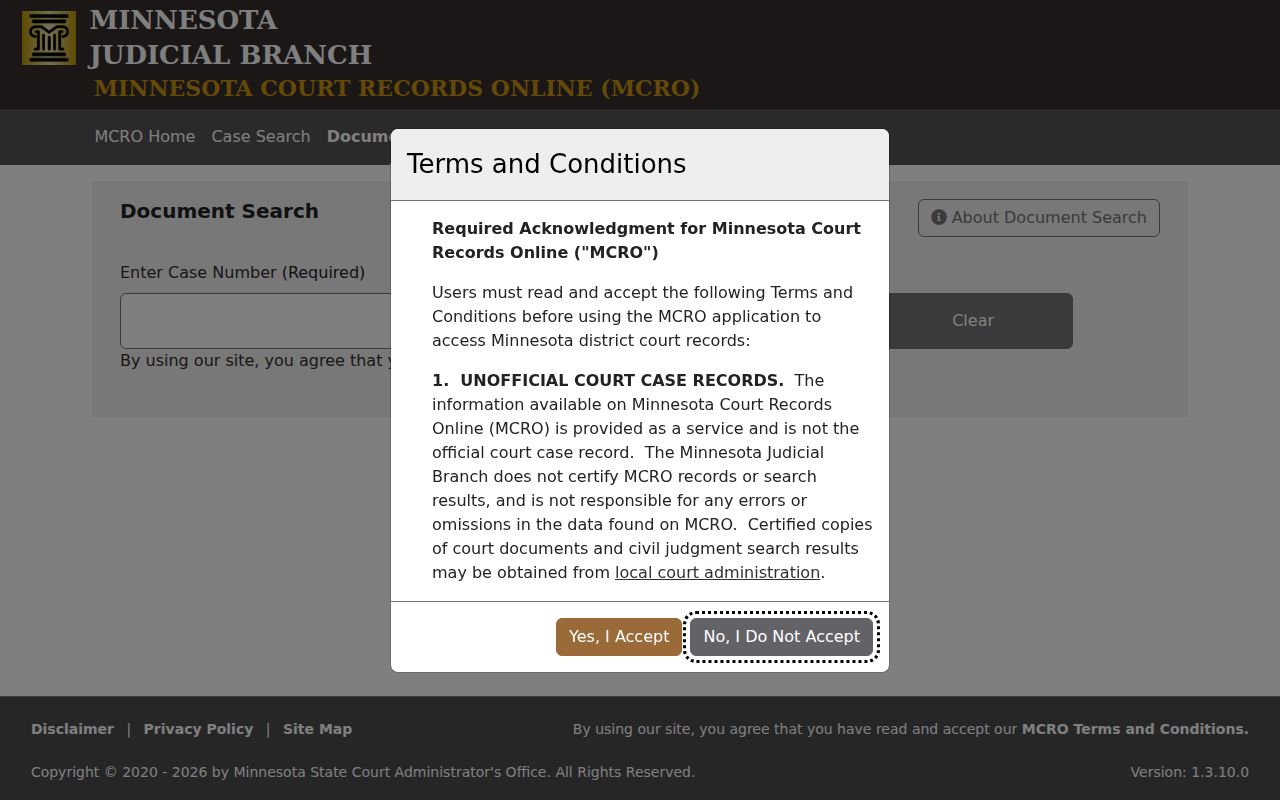
What if a document link is missing? That alone does not mean nothing was filed. Remote access depends on the document and its access classification.
How to Search by Case Number
For a Jackson County case lookup, nothing beats the case number. Minnesota payment guidance breaks the format into a two-digit county or location component, case-type letters, a two-digit year, and a sequence. It is illustrated as NN-CR-YY-####. The letters and location code change with the case type. Jackson calendar entries have shown more than one numeric prefix. So treat a prefix as a clue rather than a full county code map. Type the number exactly as it appears on your notice, citation, or other court paper. No case number? A citation number is a separate identifier, and MCRO's Citation Number mode accepts it. The MCRO access guidance explains why a number search can surface a pending case that a defendant-name search misses. That covers criminal, traffic, and petty-misdemeanor matters.
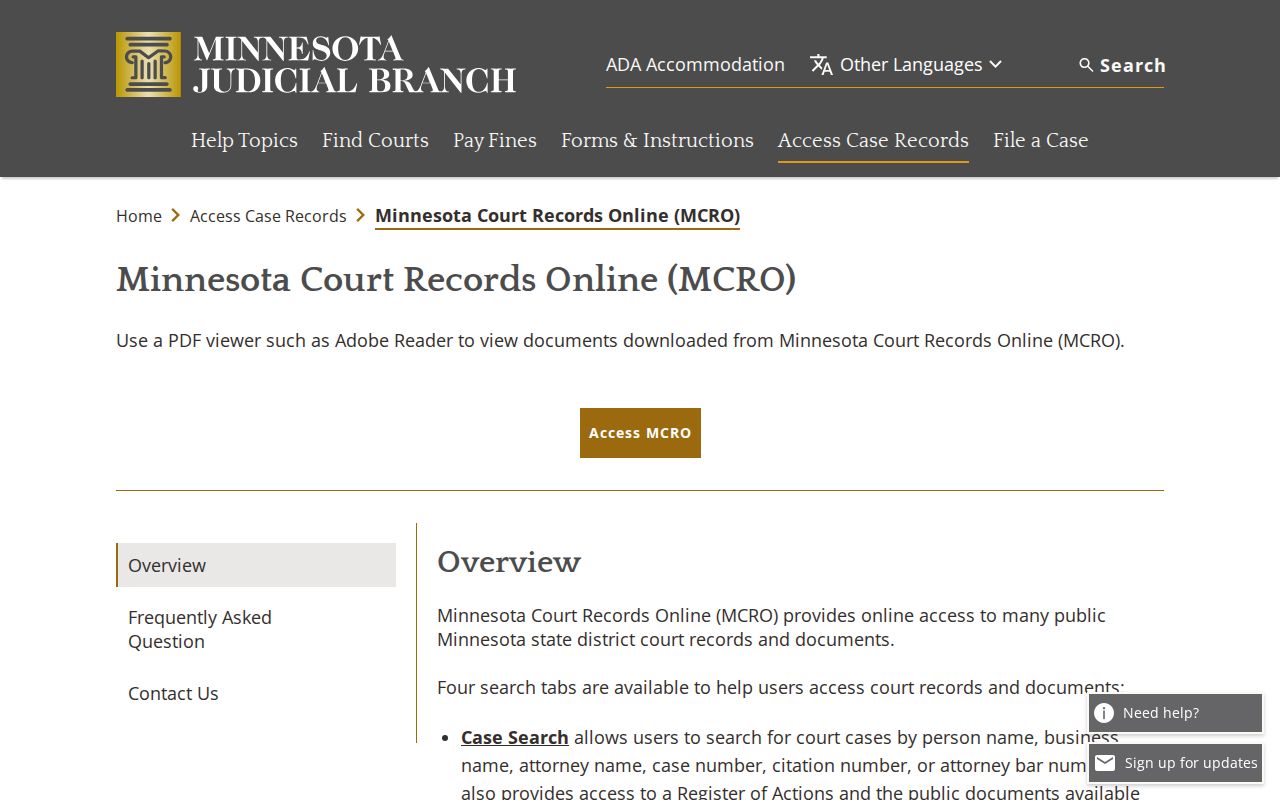
That gap is why the original citation, hearing notice, or court paper matters so much. When a name query returns nothing, the paper in your hand may still crack the case open.
Jackson County Location Filters
The county filter does not open a separate Jackson database. It simply narrows the statewide MCRO system to Jackson County District Court. That is the court with original jurisdiction over civil, family, probate, juvenile, criminal, and traffic matters filed here. Use Jackson when venue is certain. If the case might have been filed in another Minnesota county, leave the search statewide. Compare venue before treating a matching title as the right case. For a hearing-only question, pair the Jackson location filter with a date range in Hearing Search. Note: a county filter sharpens relevance. But it never makes a public result complete or turns MCRO into a certified record.
What a Case Search Shows
Once a match opens, Case Details frames the register of actions, called the ROA. The header supplies the basic context. Events usually run in reverse chronological order. Hearings, documents, financial information, disposition, and related cases may sit in separate parts of the record. Resist reading a case category, charge, or status as the final outcome. Check the later events and the disposition area first. Only then draw a conclusion about the Jackson County case.
| Case number | The precise identifier for the file, document request, and many court transactions. |
|---|---|
| Case title and type | Public caption and category, subject to access limits. |
| Filed date and venue | When the case entered court and its court location. |
| Case events / ROA | Dated actions, descriptions, and document index numbers when shown. |
| Hearings and disposition | Separate setting rows and any public resolution information. |
The financial and judgment blocks answer different questions. A current judgment view can show monetary status or satisfaction, while the ROA carries the fuller run of filings, notices, hearings, and orders. In the same way, a hearing row is only a setting record. It is not a substitute for the latest event in the Jackson County case docket.
Jackson County Name Search Limits
Sounds Like and wildcard searches fix different Jackson County case search problems. Sounds Like handles a name that might be spelled differently. A wildcard widens a known beginning after at least two characters, wherever MCRO allows it. You cannot use both at once. Begin with an exact last name, then pick one fallback instead of stacking filters. Drop the middle name first. Do not assume the file does not exist. Switch to the case number as soon as you have it. For money judgments, the MCRO Judgment Search is separate. It carries its own debtor-name and status controls.
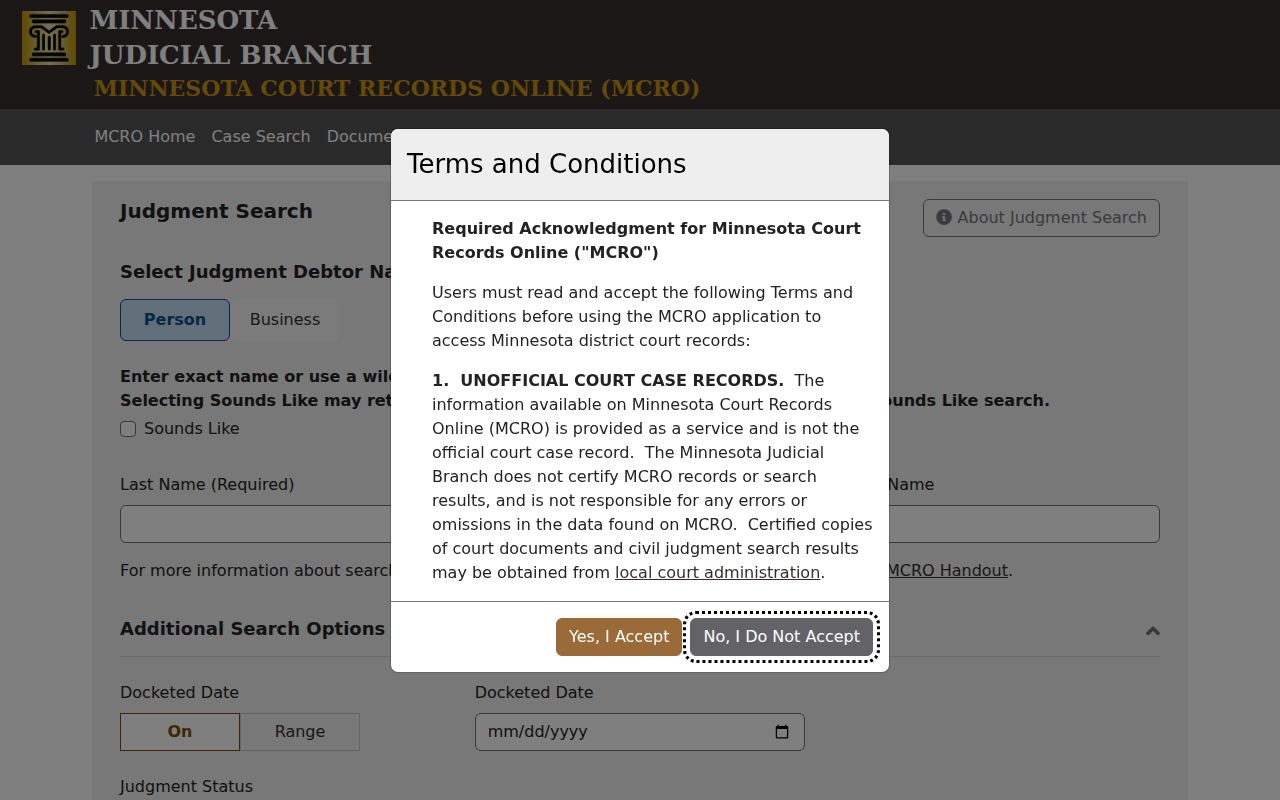
A judgment line tells you the money side of a case. For the full sequence of filings and hearings in Jackson County, read the ROA itself.
County vs Statewide Case Search
Jackson County runs no separate public case-search portal next to MCRO. There is one interface instead. It covers the whole state, and it lets you pick Jackson County as a location filter inside the same screen. Not sure where a case was filed? Run the statewide view first. Once you know the matter belongs in Jackson County, the filter narrows things fast. The court's official Jackson County page lists contacts, calendar links, and copy routes for local follow-up.
| MCRO statewide view | Jackson County location filter |
|---|---|
| Searches public records across participating Minnesota locations. | Limits results to the Jackson County court location. |
| Useful when the filing county is unknown. | Useful when the court notice identifies Jackson County. |
| Can include a broader set of same-name results. | Still uses the same public access rules and unofficial records. |
Jackson County ROA Event Order
Start at the header. Then run down the Jackson County register of actions to the newest dated event. Sort hearings from filings as you go. An event may carry a document index number. A View Documents control appears when a public image exists. That link is not the e-filing system, and the difference matters. Minnesota eFS / eFile and eServe serves authorized filers. MCRO stays the public access layer for anyone reading the docket. A filed item can appear with no image.
The Minnesota eFS page identifies the filing system behind court submissions.
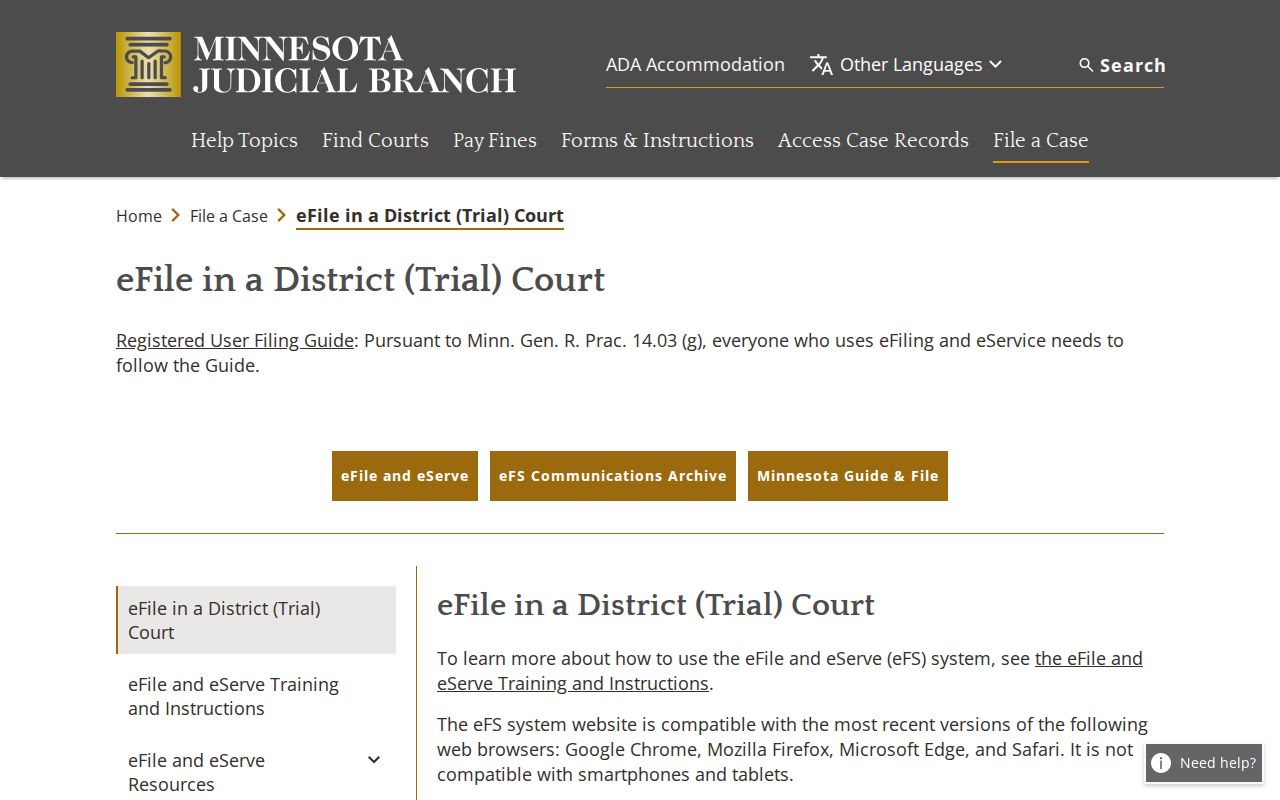
Need an official paper copy or a nonpublic image? The right move is a request to local Court Administration, not an eFS login.
Restricted Cases and Access Rules
Public access to Minnesota court records comes from the Rules of Public Access to Records of the Judicial Branch. That is not a standard county Chapter 13 request. MCRO puts many public records on screen. Some protected material may not be reachable from home. Juvenile, CHIPS, domestic-abuse, harassment, family, sealed, expunged, and other protected records fall in that group. A blank search does not prove a case never existed. An entry marked restricted is an access label. It is not a finding on the merits.
If a Jackson County case will not appear, check the spelling first. Try the case number too. Then ask Jackson County Court Administration which access route, public or restricted, fits the situation. Never try to work around a restriction. When an official record is required, request a certified copy locally.
Courthouse terminals are usually the most complete electronic source for public Minnesota district-court material. That does not lift any restriction. It is the right channel for a public record that is not online. Older files can also need local handling. Let Court Administration direct any visit rather than an assumption drawn from the docket search.
Jackson County Case Search Next Steps
MCRO came back empty? Check the exact case number. Drop an uncertain middle name. Try Sounds Like or a wildcard, widen the filing-date range, and switch to the statewide location option. Pending traffic and criminal matters are often hard to find by name before conviction. For a scheduled date, compare Hearing Search with the Jackson weekly calendar. Confirm conflicts with Court Administration. The courthouse public-access terminal is usually the fuller electronic source for public court records.
An omission from the Jackson calendar is not a cancellation. The weekly PDF leaves out some matters and shifts through the day. Settle any date question against Case Details and the court's current calendar. Add a local confirmation when needed.
Note: Use the local court for a case-specific answer. Online records, calendar entries, and document links do not always resolve the question.